All help
See and download your votes
Your own votes, with a receipt for each one and a CSV download, on every plan.
Before you start
- Any signed-in member
- On a phone, tablet or computer. The download is easiest on a computer.
Open Votes
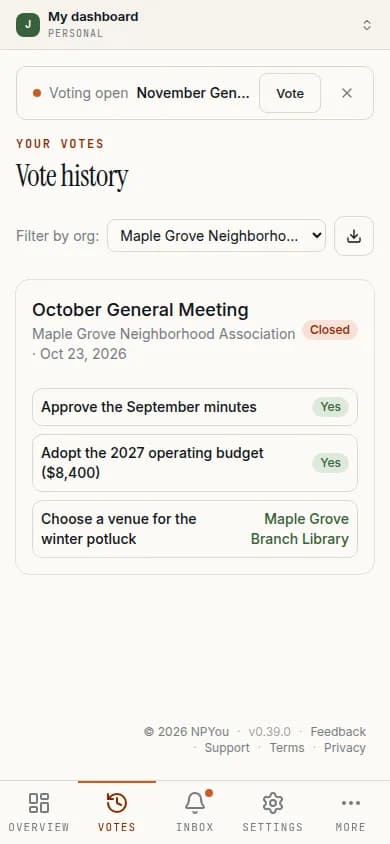
Tap Votes in your dashboard’s menu (the bar at the bottom on a phone). Vote history lists every vote you took part in. Filter by org: narrows it to one organization.
Open a receipt
Tap a vote to open its Vote receipt: how many items you voted on, your answer to each, any re-vote rounds, and whether quorum was met.
Download a copy
On Vote history, tap the download icon at the right, under the heading. You get a CSV with one row per item (and per round), for the organization you filtered or for all of them.
Who else can see this
Nobody. Admins and facilitators see tallies, and once a vote closes, who voted, never how. Public polls show them a count only.
If something isn't working
- A vote I remember is missing
- Only recorded votes are listed. If you abstained, it shows as an abstain. A vote cast before you checked in didn’t happen, so it can’t be listed.
- There is no Download button
- It appears once you have at least one vote on the page.
- An item appears twice
- The facilitator ran a re-vote. Each round is its own row.
Related
Still stuck?
Reach the team directly. We usually reply within a day.