Join an organization
Open an invite link, ask to join from the organization’s page, or ask at a meeting.
Before you start
- Anyone with an NPYou account. Creating one is free.
- On a phone, tablet or computer
With an invite link: instant
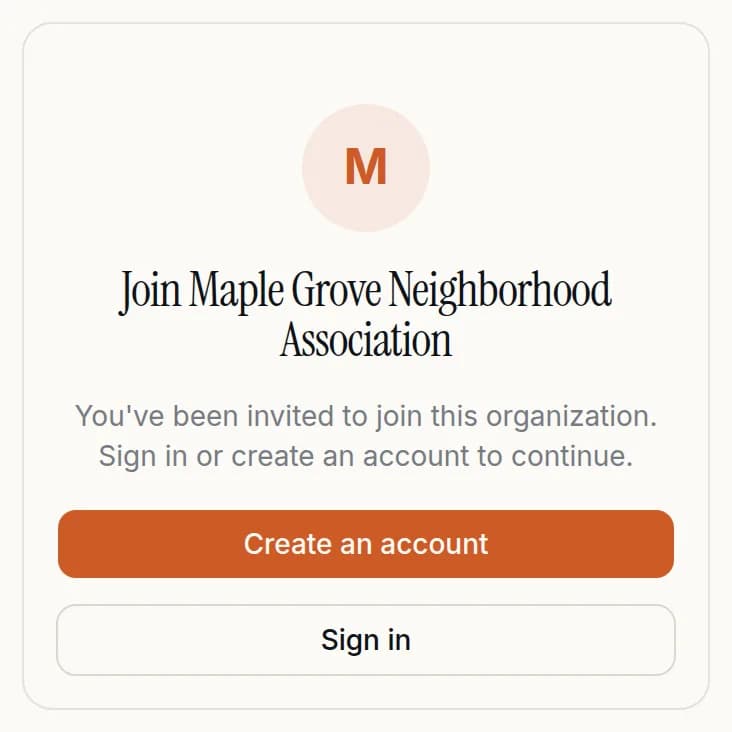
Open the link an admin sent you. Signed out, tap Create an account or Sign in; both bring you back. Then tap Join organization. You are a member at once, with no approval step.
Without a link: find the organization
On your dashboard, tap Organizations and then Find organization. Search by name or username and tap View. If you have no memberships yet, the search box is on the dashboard itself.
Ask to join
On the organization’s page, tap Request to join, then Confirm request. The page then reads Request pending until an admin decides.
Or ask at a meeting
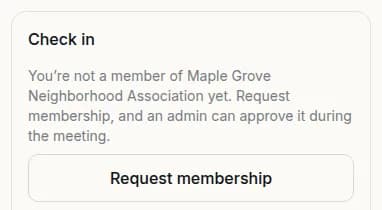
Signed in on a meeting page, tap Request membership while check-in is open. An admin can approve you during the meeting, and the page updates within seconds. If you asked earlier, the button reads Send my request and brings it to this meeting.
Check in as a guest below (Or check in as a guest for today) so you are on the attendance record either way.
After the decision
Approved: you get a notification, the organization appears on your dashboard, and at a meeting you are marked present. Not approved: the page reads Request not approved with the date you can ask again, 7 days later. An invite link skips that wait.
If something isn't working
- It says Invalid Invite Link
- The link was turned off or replaced. Ask an admin for the current one.
- It says Your membership in this organization is inactive
- An admin deactivated your membership. Only an admin can reactivate it, so ask them.
- It says This organization has reached its member limit
- The organization is full for its plan. Ask an admin; they can free a seat or change the plan.
- The terms page opened instead
- We updated our terms since you last accepted them. Accept them and tap the button again.
Related
Still stuck?
Reach the team directly. We usually reply within a day.